
From the first discussion to a working production workflow
Not just software in a box, but a project that works all the way through to the machine.
A successful implementation takes more than installation. We analyse your processes, prepare integrations, configure and test the setup, train your employees and remain available once production is running.
1. Demo and initial analysis
We start with your day-to-day process. How are projects designed? Where does production planning take place? What information is sent to the machines? Where do errors, delays or duplicate data entry occur?
During the demo, we show KORPUS and/or AutoFIT using representative scenarios. At the same time, we collect the information needed to determine which solution and integrations make sense.
After this step it should be clear:
- which problem needs to be solved first;
- which software fits;
- which machines and systems are involved;
- what technical information is still needed;
- which employees will be involved in the process.

2. Tailored proposal
Based on the analysis, we prepare a proposal tailored to your software needs, machinery, number of users and required support.
The proposal makes a clear distinction between:
- software licenses;
- required modules or integrations;
- technical preparation;
- installation and configuration;
- training;
- any additional services;
- service and support.
You know in advance which components are needed for the agreed workflow and which options can be added later.
3. Technical preparation
Before installation, we collect the data needed to prepare the software and machinery correctly.
Depending on the project, this may include:
- manufacturer, model and controller of the machines;
- available file formats;
- tooling and machining logic;
- network and server environment;
- printers, scanners and labels;
- material and library structure;
- sample orders and test parts;
- folder structures, users and permissions.
The more complete this information, the more targeted we can configure and test.
4. Install, configure and test
We install the agreed software and set up the environment according to the technical preparation.
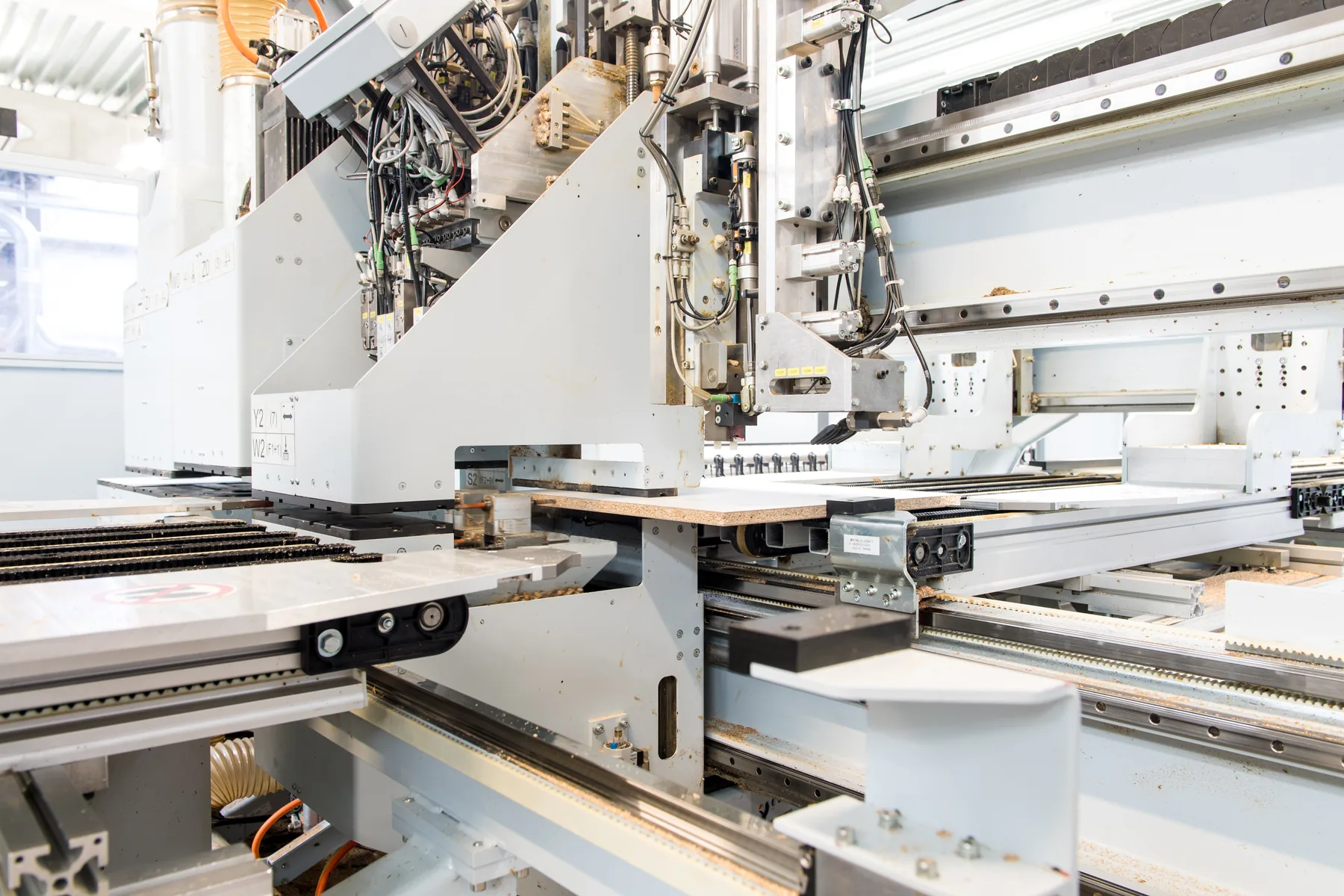
We then configure the integrations between software, files and machines. We check not only that a file is created, but also that the production output matches the agreed tooling, machining operations and work sequence.
Testing is controlled and uses representative examples. Any discrepancies are corrected before the workflow enters day-to-day use.
5. Train and go live
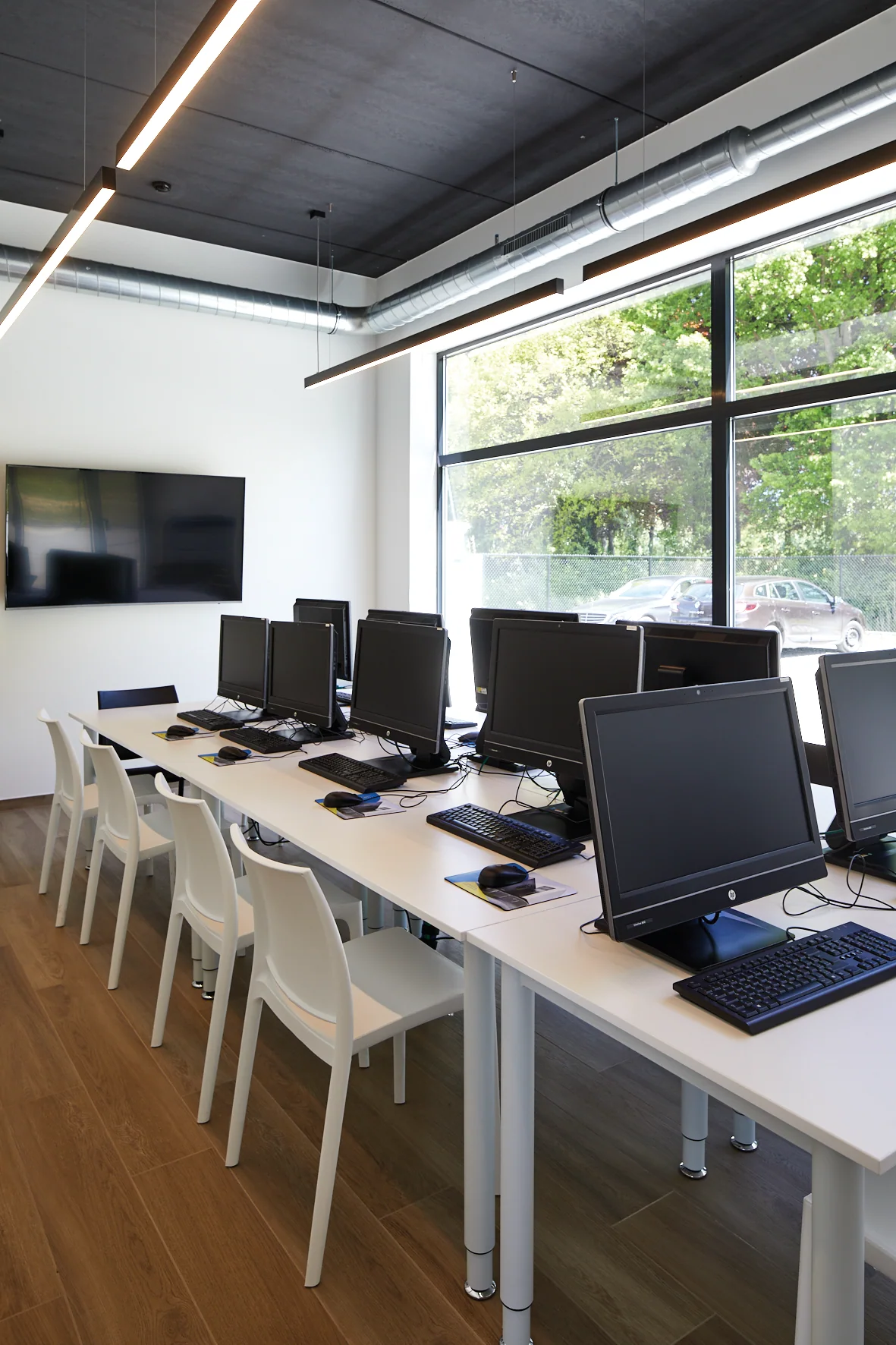
The four-day foundation course gives the employees involved a clear understanding of the software and agreed company workflow.
They learn, among other things:
- how to build projects or parts correctly;
- which data production planning requires;
- how checks are carried out before production;
- how files and information flow to the workshop;
- which company procedures they need to follow;
- when they can make adjustments themselves and when support is needed.
Go-live is aligned with the progress of configuration, testing and training. This prevents employees from starting under production pressure with an incomplete process.
6. Support and further improve
After go-live, practical questions and new opportunities arise. The VLECAD® support page directs customers to tickets, remote support, the knowledge base and e-learning.
Employees who want to deepen their knowledge can take one-day specialist courses on agreed topics.
The production environment also evolves. A new machine, an additional user, a different label or an updated library can affect the workflow. Discuss such changes in good time so integrations and procedures can be updated in a controlled way.
Support hours
Monday to Friday, 9:00 AM–12:00 PM and 1:00 PM–5:00 PM.
Go to SupportView expert training coursesBuy or rent, with service that fits your production
KORPUS and AutoFIT can be bought or rented. The best option depends on the number of users, required modules, machine integrations and how you want to structure the investment.
Four service contracts are available for support:
- Bronze;
- Silver;
- Gold;
- Platinum.
In the proposal we clearly state:
- which software and users are needed;
- whether the licenses are purchased or rented;
- which integrations, installation and training are included;
- which service package is chosen;
- which extensions or services are agreed separately.
No prices are published on the website. You receive a transparent proposal tailored to your configuration and production environment.
Compare the service contracts
Ready to review your current workflow together?
During a demo and initial analysis, we discuss your software, machinery and employees together in practical terms.
Request a demoContact us