
Practical training for KORPUS and AutoFIT
Software only delivers value when your people know how to use it.
A four-day foundation course establishes a reliable basis for design, production planning and manufacturing. Focused one-day expert courses can then build on topics that matter to your company.
At VLECAD®, at your company or according to the agreed approach.
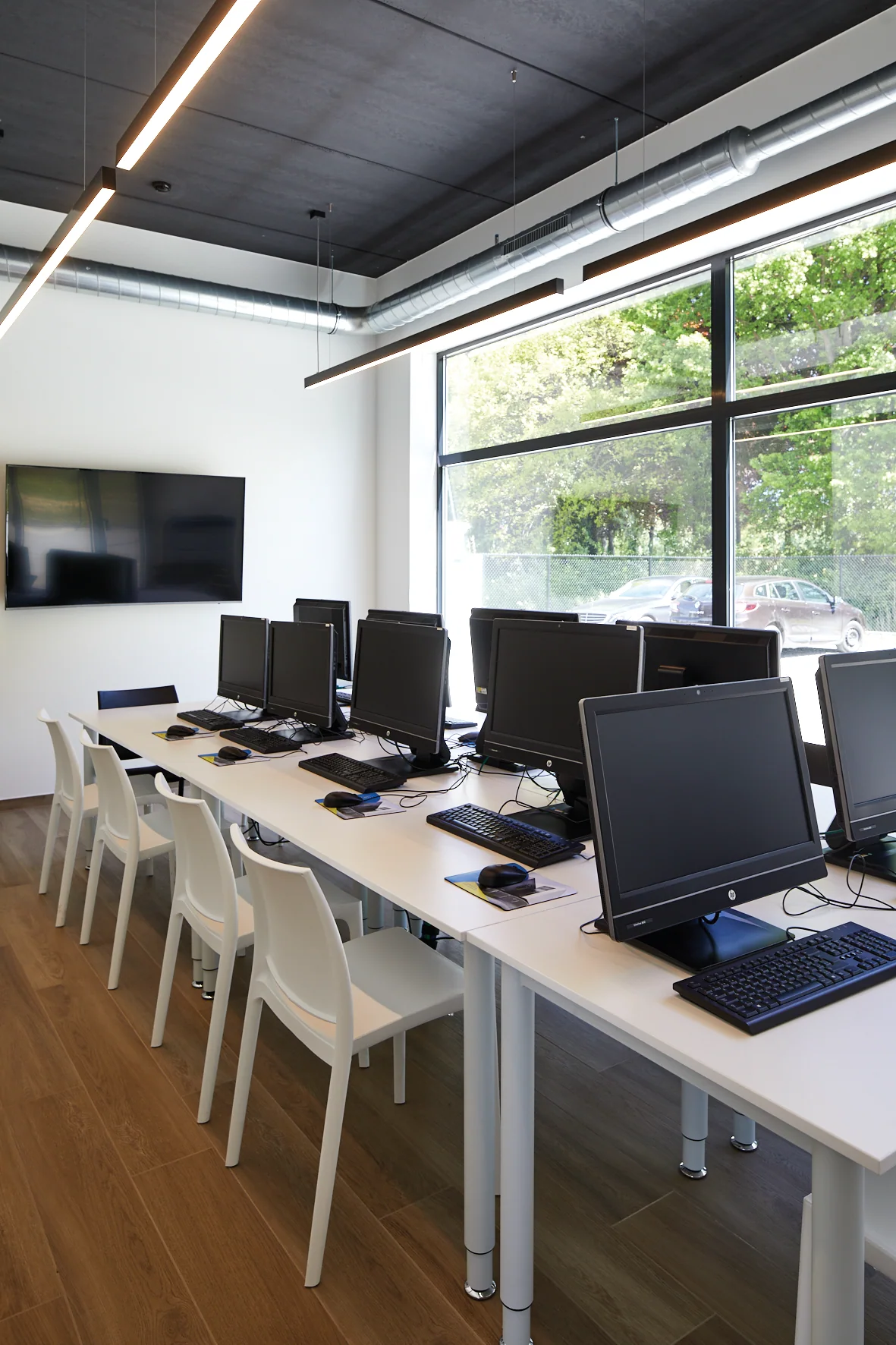
Four days to build a reliable foundation
Good training teaches more than where to find a button. Users need to understand how a project is structured and how their choices affect drawings, production planning and manufacturing.
1. Understanding the software and its logic
We start with the interface, project structure, basic settings and the way data flows through the software. Participants learn where information belongs and why a consistent working method matters.
2. Build an object correctly
Participants build a cabinet or interior element step by step, covering dimensions, materials, construction, parts and parametric logic.
3. Create a room or space
Participants learn to create a room and position objects correctly within it, bringing design, dimensions and presentation together in one project context.
4. Create print pages in paperspace
We cover how to arrange plans and views clearly on print pages, add the required information and prepare them for communication or production.
Over four days, these elements are combined into a practical core workflow. The exercises and sequence are tailored to the software, participants and company context.
One day. One topic. Focused progress.
After the foundation course, users understand how the software is structured. Day-to-day work often raises more specific questions, such as automating a machine workflow further, configuring more complex machining operations or improving presentations.
VLECAD® therefore offers one-day specialist courses. We agree the topic, prior knowledge and the files or practical scenarios to be used beforehand.
Examples of expert training courses
- QuickNC — better understand and apply machine files and conversion flows;
- EasyCAM — develop machining operations and CAM applications further;
- Rendering — use materials, light, viewpoints and presentation more purposefully;
- Other themes — tailored to the customer's questions, software and production environment.
This makes the training day a practical, focused extension of the participants’ day-to-day work rather than a general refresher.
Training tailored to your operations
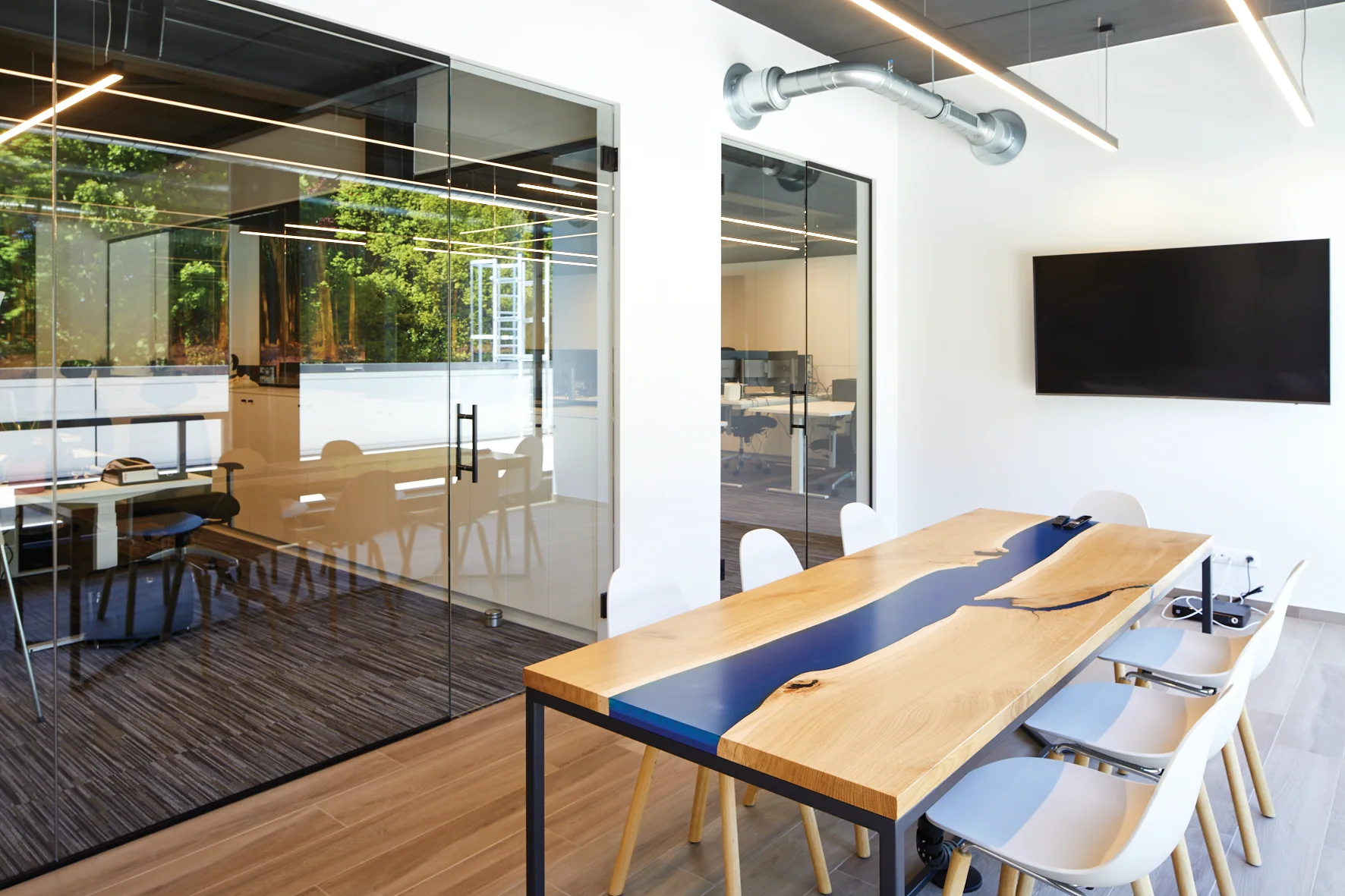
In the training center of VLECAD®
A quiet environment to discuss functions and exercises step by step, with room for questions and guidance.
At your company
Useful when multiple employees participate or when the training must be linked directly to your own files, machines and working methods.
For new and experienced employees
The foundation course gets new users off to a sound start. Specialist courses help experienced users develop a specific topic further.
Preparation
We agree the participants, prior knowledge, software version, examples and desired outcomes in advance, so the available time can focus on relevant exercises.
Training with potential support from the Kmo-portefeuille
VLECAD® is registered as a training provider under the Kmo-portefeuille scheme. Flemish companies that meet the current eligibility conditions may be able to apply for support towards part of the training cost.
Training registration number: DV.O220185
Eligibility conditions, permitted topics and support rules may change. Check the latest information with VLAIO and submit the application within the applicable deadline.
View the current eligibility conditions at VLAIOGuidance from people who know both the software and the trade
Lars Vliegen
Managing Director
Lars safeguards VLECAD®’s direction and the connection between software, production and the day-to-day work of interior fit-out companies.
Nik Vliegen
Head of Service and Coaching
Nik coordinates service and the coaches who guide customers through training, practical use and ongoing support.
Bart Goudmaeker
Implementation coach
Bart guides customers as they prepare and implement the software in their own working environment and production workflow.
Sigurd Noten
Software coach
Sigurd helps users understand the logic of the software and apply it correctly in their day-to-day work.
What knowledge does your team need today?
Tell us which software you work with, how many employees participate and what challenges you face. We propose appropriate basic or expert training.