Parametric CAD/CAM software for interior fit-out and cabinetmaking
Design once. Carry the data through to the machine.
With KORPUS, you build custom cabinets and complete interiors parametrically in one environment. The same project information supports presentation, production planning and manufacturing, so changes do not have to be entered repeatedly.
From rendering to machine file, VLECAD® configures the workflow around your way of working and your machinery.
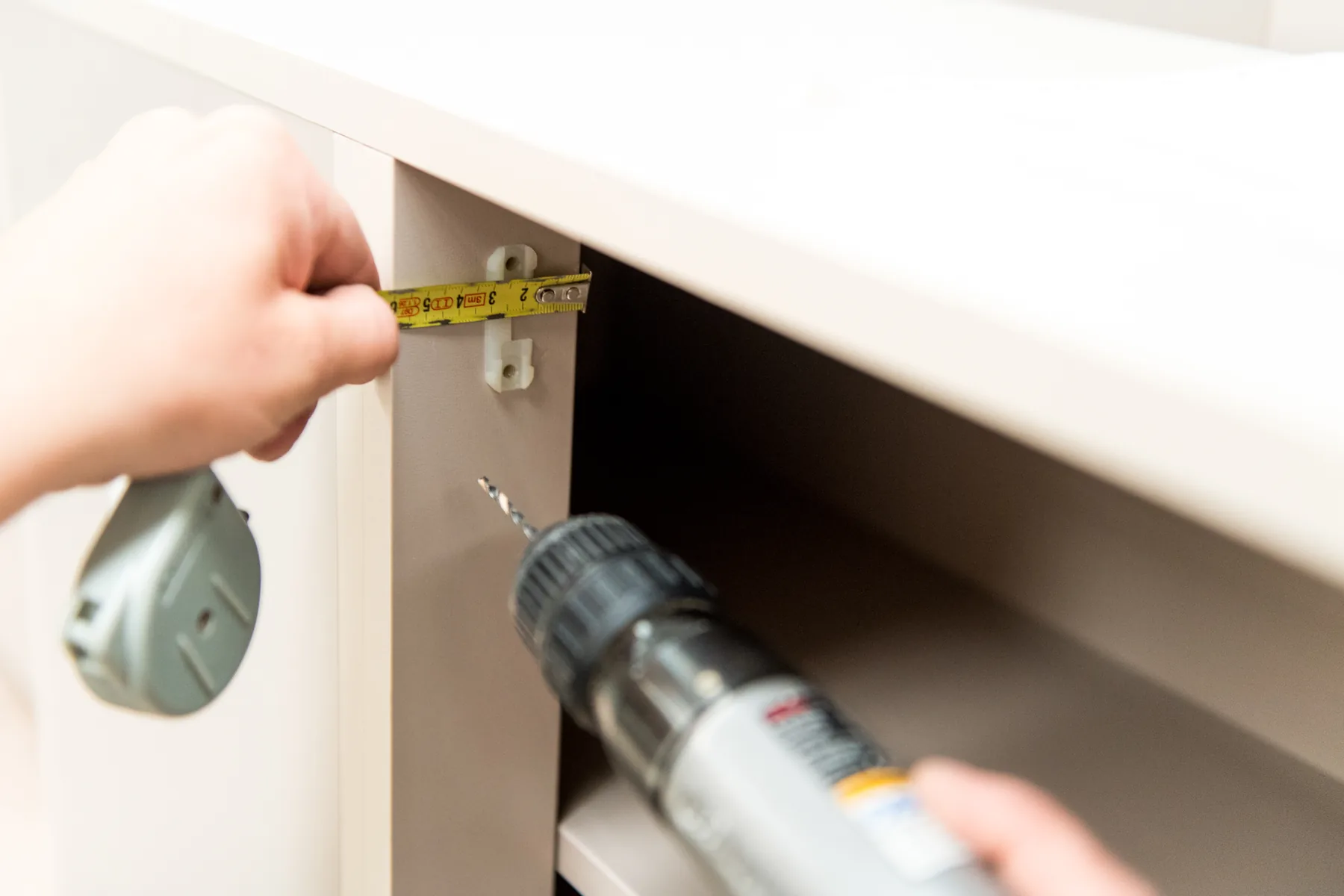
Do you recognise this in your production-planning process?
- You draw a cabinet, but then make separate parts lists.
- Machining operations are entered again at the CNC machine.
- A change has to be made in several places.
- A great deal of technical knowledge rests with one experienced employee.
- New employees struggle to understand the entire process.
- Different machines each request their own files and settings.
- The workshop still has to call too often to clarify missing information.
KORPUS helps you bring those individual steps back to one reliable source.
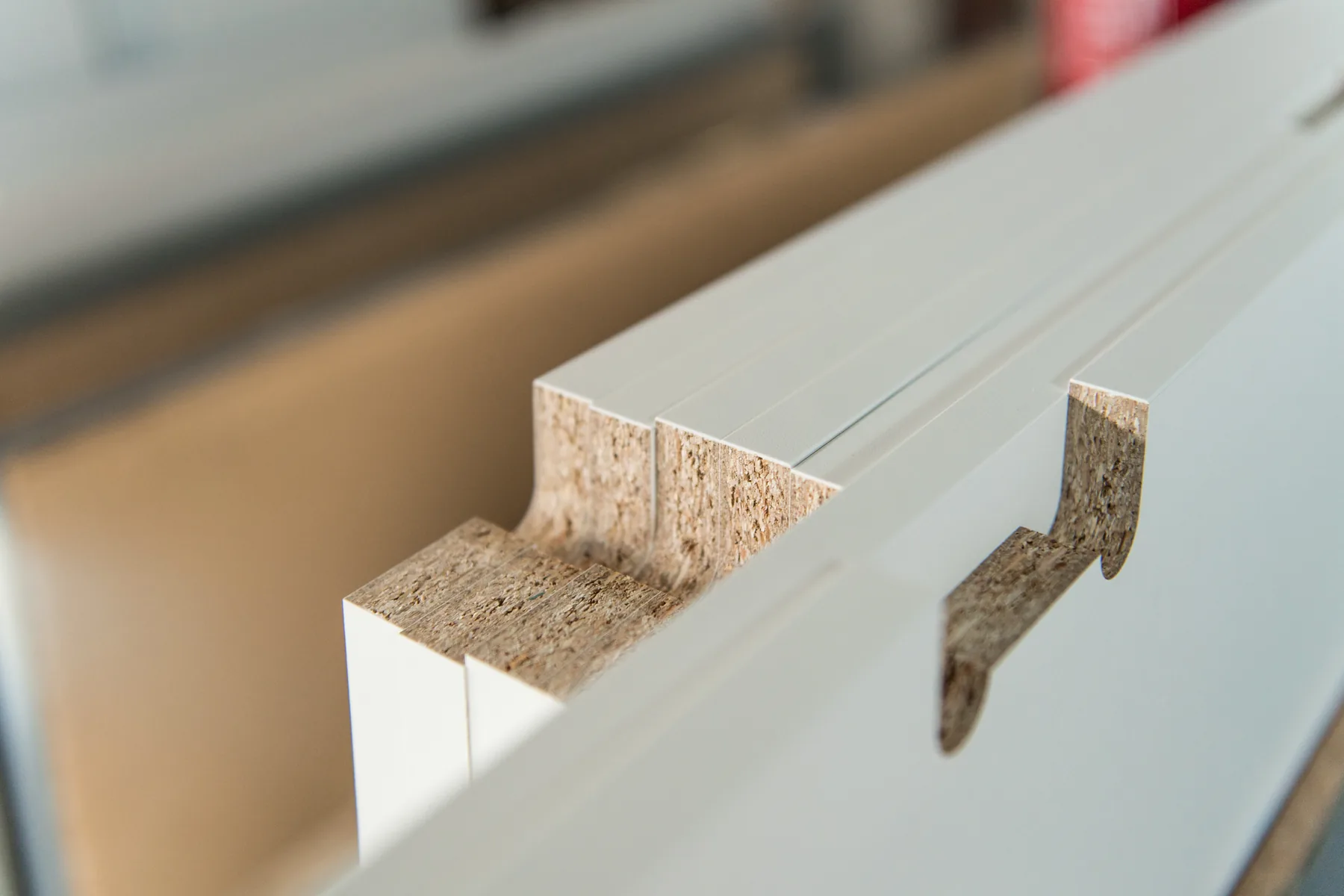
One design as the basis for your entire production
In KORPUS, you define not only what a cabinet looks like, but also how it is built: the material, edges, fittings, drilling and routing operations.
That information does not need to be extracted from the design again. It can be used for production planning, part information and machine control.
In practice this means:
- less retyping of data;
- fewer discrepancies between drawing and production;
- process changes in one central location;
- clear information for production planning and the workshop;
- capture knowledge instead of relying solely on what individuals remember.
KORPUS does not turn bespoke work into standard products. It makes your process more repeatable.
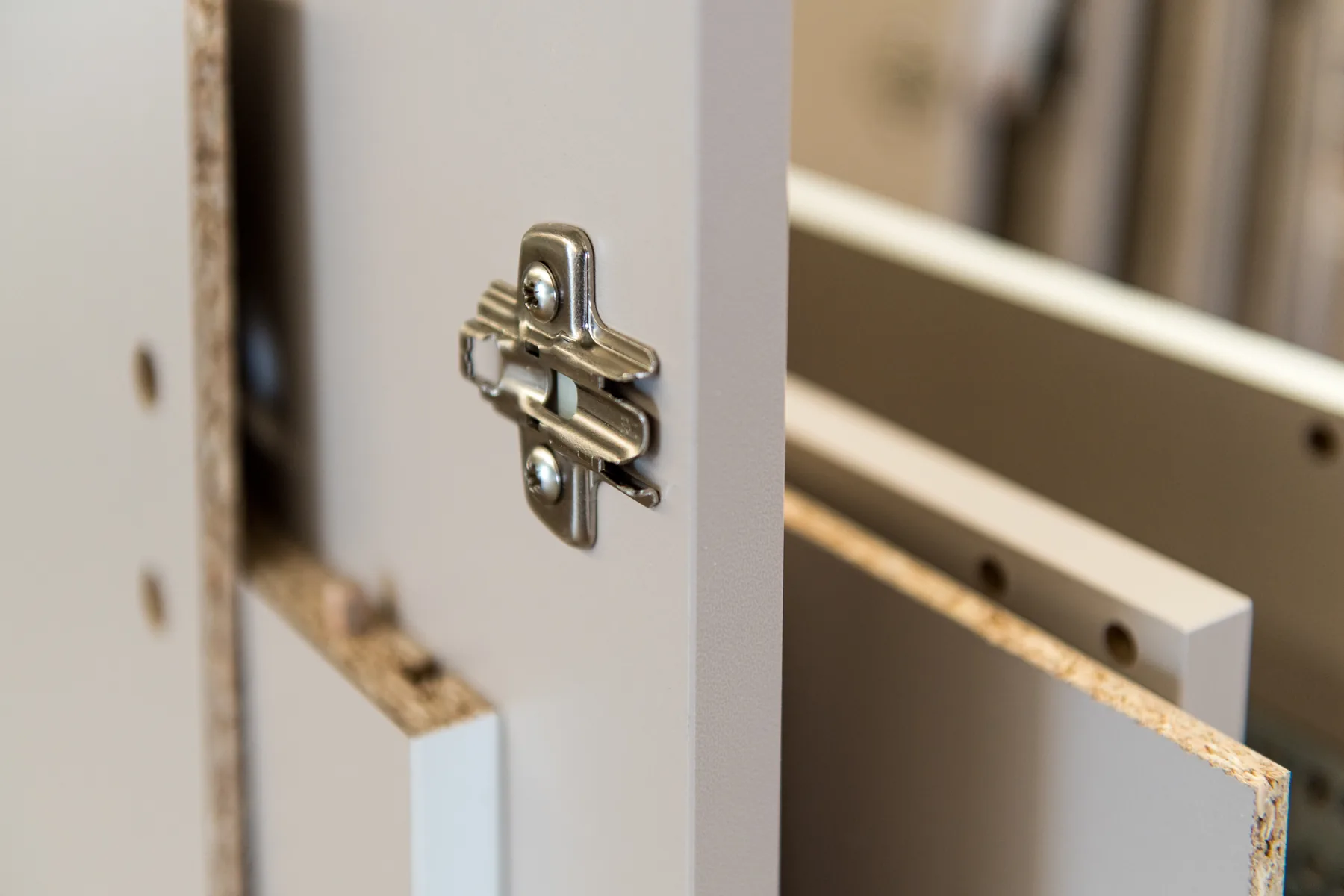
Design bespoke work without starting from scratch each time
A 2,400 mm-high cabinet, a niche that becomes slightly narrower or a layout that changes after a customer meeting: dimensions keep changing in bespoke work.
In KORPUS, you build objects using dimensions, rules and relationships. Change a relevant dimension and the construction can adapt according to predefined logic, so you do not start from scratch for every variant.
You can, among other things:
- build cabinets and interior elements parametrically;
- record your own libraries and working methods;
- connect materials, edges, fittings and construction rules to the design;
- place objects in a complete room or space;
- develop variants while retaining the technical foundation.
Parametric does not mean every project becomes the same. It means recurring knowledge is captured in the software, leaving more time for genuinely bespoke work.
Product videos
See KORPUS in practice
These official VLECAD videos show the software interface and practical workflows in KORPUS.
YouTube loads only after you click Play.
Nieuwe functies beschikbaar vanaf KORPUS 13.50!
An overview of features in KORPUS 13.50, showing the interface and workflow.
Watch on YouTubeKorpus inlezen van LAS puntenwolk bestand
Importing a LAS point cloud and converting it into a room in KORPUS.
Watch on YouTubeGebogen balie compleet
Combining and adjusting curved elements to create a complete counter.
Watch on YouTubeShow customers exactly what you will build
A design must look good and be technically correct. In KORPUS, the presentation remains linked to the object being prepared for production.
Rendering lets you use materials, colours, lighting and viewpoints to present a design clearly. An approved selection is not a separate visual; it remains connected to the project’s technical design.
That helps to:
- make material and colour choices clear;
- to discuss proportions and layouts earlier;
- make adjustments visible before production;
- keep sales, design and production planning closely aligned.
From cabinet to accurate production data
Once the design is technically correct, production planning can continue from the same data. Parts, materials, edges and machining operations do not have to be derived again from separate drawings.
KORPUS supports the preparation of:
- parts and part information;
- material choices;
- edges and edge-banding;
- drilling, routing paths and contours;
- production lists;
- data for panel optimisation;
- information for labels and further machine processing.
You retain technical control while removing unnecessary repetition. This gives the production planner more time to assess exceptions instead of rebuilding standard work each time.
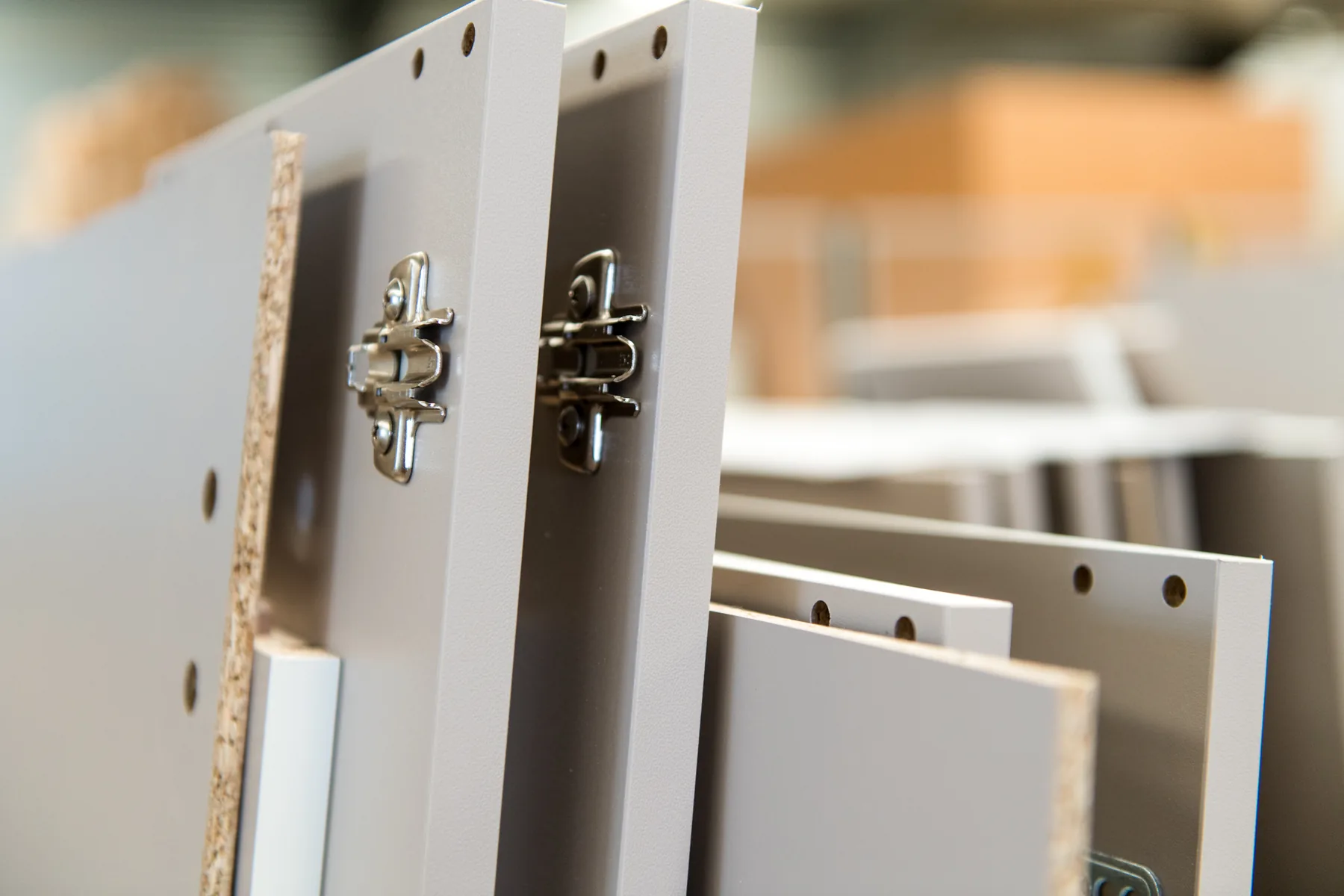
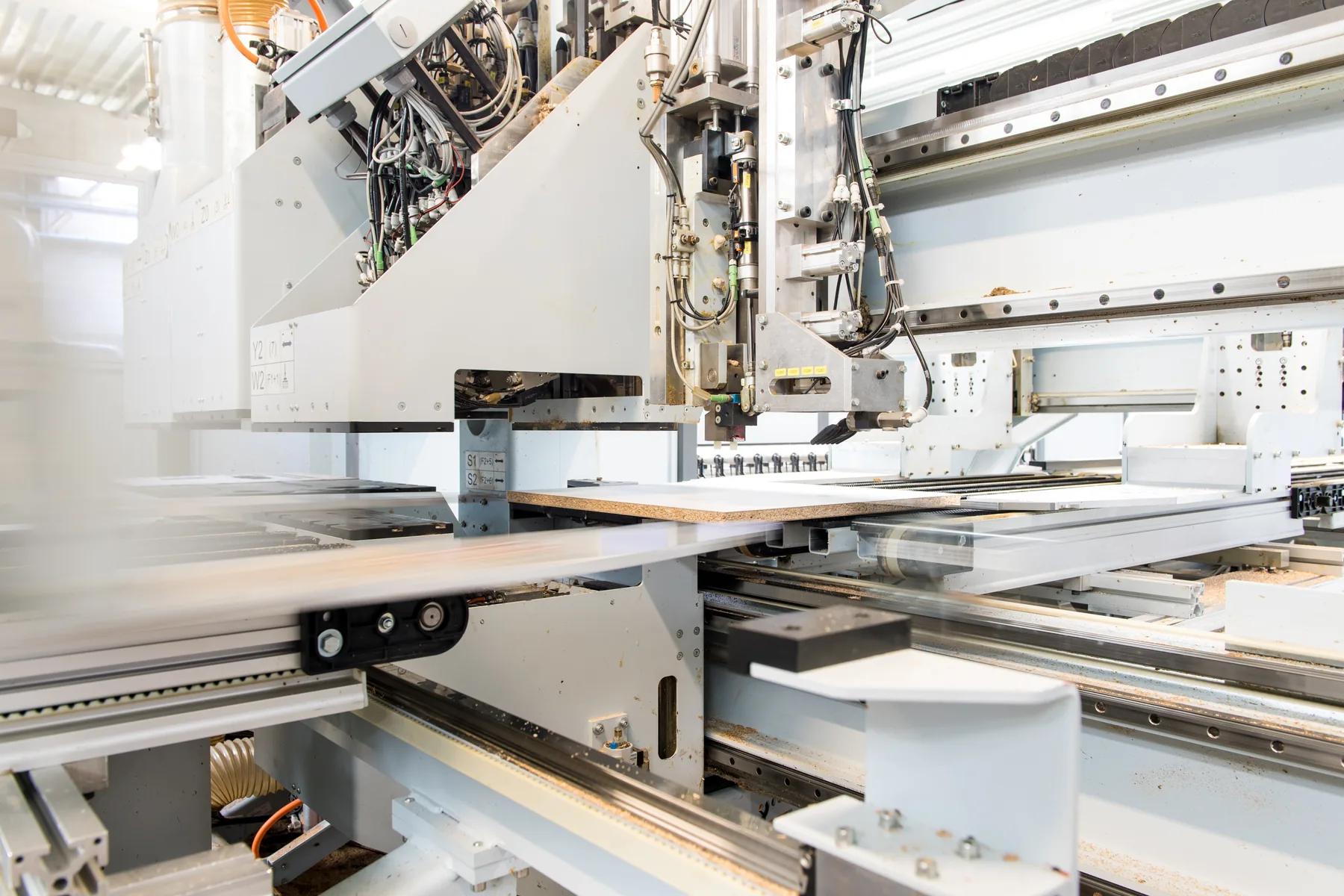
From drawing to machine, from G-code to WOP
A machine can only produce reliably when it receives exactly the information its controller expects. VLECAD® therefore configures the connection between KORPUS and the machinery for the specific manufacturer, model, controller, tools and production method.
KORPUS can prepare production data for, among others:
- CNC machining operations;
- drilling and milling;
- cutting and nesting;
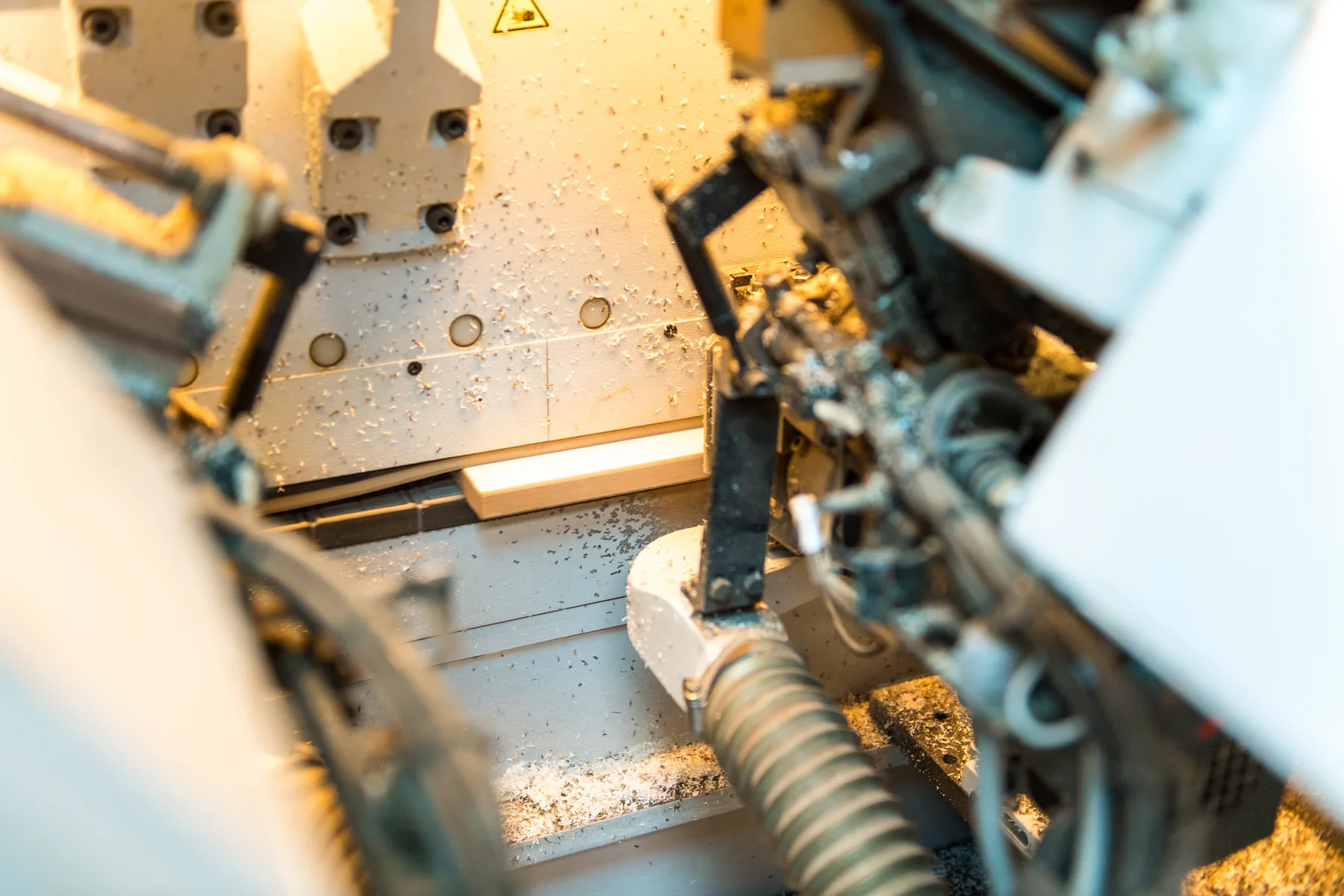
- edge banding;
- labels and additional conversion steps;
- controllers that use G-code, WOP or other supported formats.
The integration is prepared, tested and tailored to actual production. Operators do not need to reprogram the same machining operations, and the source of every machine instruction remains clear.
From accurate production data to production visibility
KORPUS provides the foundation with a technically correct design and production data. VLECAD ONE can extend this workflow with production tracking, making it easier to monitor work in progress and locate parts in the process.
The precise configuration depends on the workstations, production steps and information your company wants to track. During a demo or analysis, we assess which data is genuinely useful and how it can work with the existing KORPUS workflow.
Discuss production tracking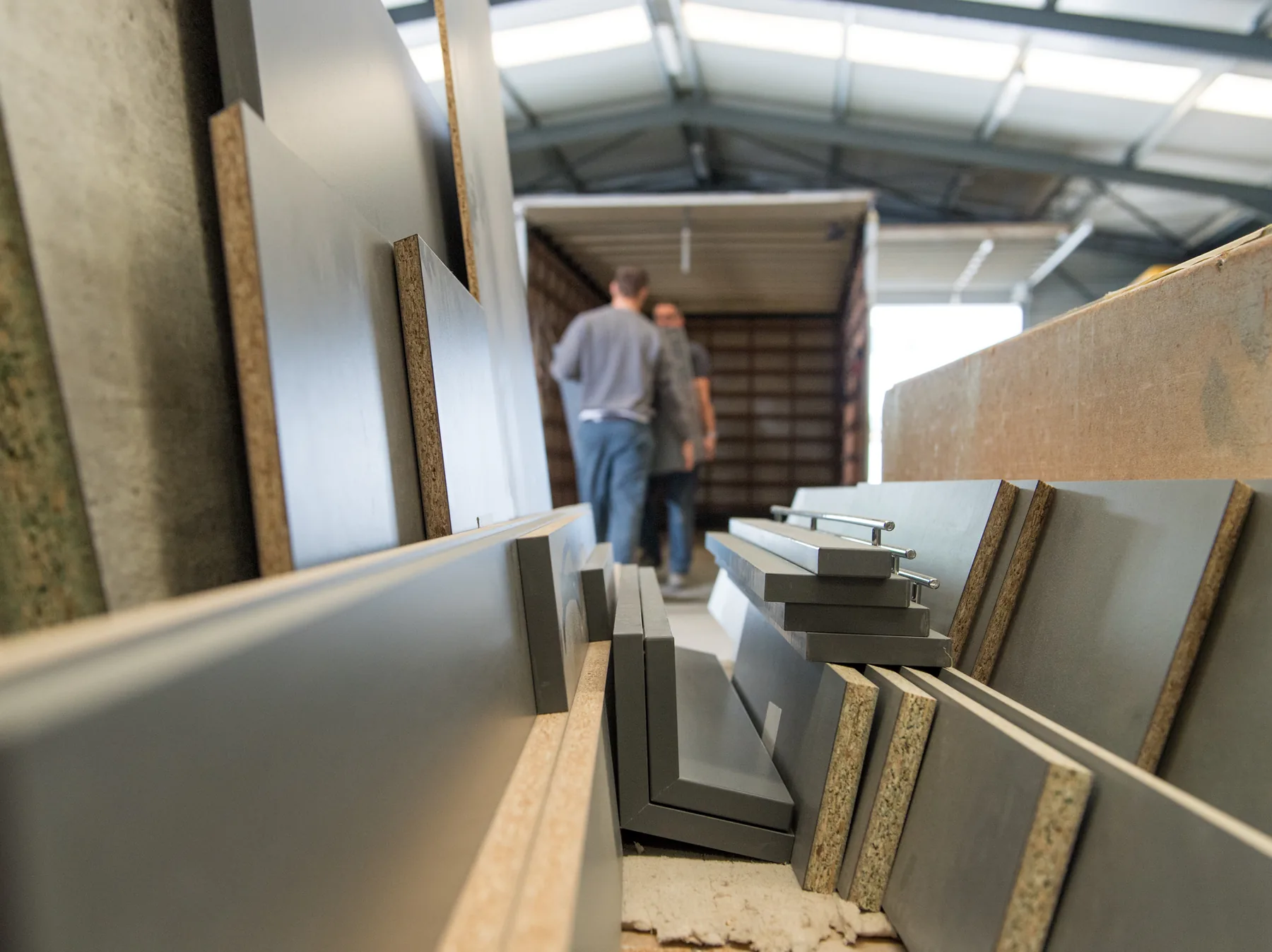
Compatibility at a glance
Not tied to one machine brand
Many interior fit-out companies use machines from different manufacturers and production years. VLECAD® therefore starts from the production workflow your company needs, not from a single closed machine ecosystem.
| Application | Machine type or source | Format or integration | Examples and verification |
|---|---|---|---|
| Machining | CNC, drilling and milling machines | G-code, WOP and other supported formats | By make, model, control and tooling |
| Panel processing | Nesting machines and panel saws | Machine output after configuration | The specific output is confirmed for each installation |
| Finishing and logistics | Edgebanding machines and panel storage systems | Project-specific files and status feedback | The data flow is tested in advance |
| External systems | Optimisation, production and cabinet configurators | REST API where appropriate | Data exchange is defined for each project |
Frequently asked questions about KORPUS
Is KORPUS only for standard cabinets?
No. KORPUS is designed for bespoke work. You build objects parametrically and can capture recurring construction logic while keeping each project and its dimensions tailored to the customer.
Can I also design an entire room?
Yes. You can create a room or space and place cabinets and interior elements in it. Presentation and technical preparation then remain closely linked to the same project information.
Can KORPUS create renderings?
Yes. Rendering can present materials, colours, lighting and viewpoints clearly. Virtual reality is not offered as a current KORPUS feature.
Does KORPUS work with my CNC machine or other machines?
KORPUS integrates with a wide range of machines and controllers. We always check the exact manufacturer, model, file format, tooling and required production workflow before confirming compatibility.
Can KORPUS generate G-code and WOP output?
KORPUS can prepare production data for controllers that use G-code, WOP or other supported formats. The exact output is configured and tested for each machine.
Is production tracking available?
Yes. The KORPUS workflow can be extended with production tracking through VLECAD ONE. The configuration is tailored to the workstations and data your company wants to track.
Can I buy or rent KORPUS?
Yes. KORPUS is available to buy or rent. The appropriate licence structure, implementation, training and service are specified in a tailored proposal.
Why are no prices shown on the website?
The final configuration depends on users, modules, machine integrations, training and service. We therefore prepare a transparent, tailored proposal.
See how KORPUS can support the way you build
Bring a representative project, your current software and information about your machinery. The demo focuses on a workflow that fits your daily work, not a generic sales presentation.
Request a KORPUS demoAsk a technical questionNo commitment and tailored to your company.