

Cutting optimisation and nesting for panel materials
Get more from every panel. Less manual work.
AutoFIT distributes parts efficiently across panels and supports the workflow from parts list to cutting or nesting file. Materials, grain direction, labels and offcuts remain organised, while less time is lost to manual layout work.
For beam saws, nesting machines and connected panel storage systems.
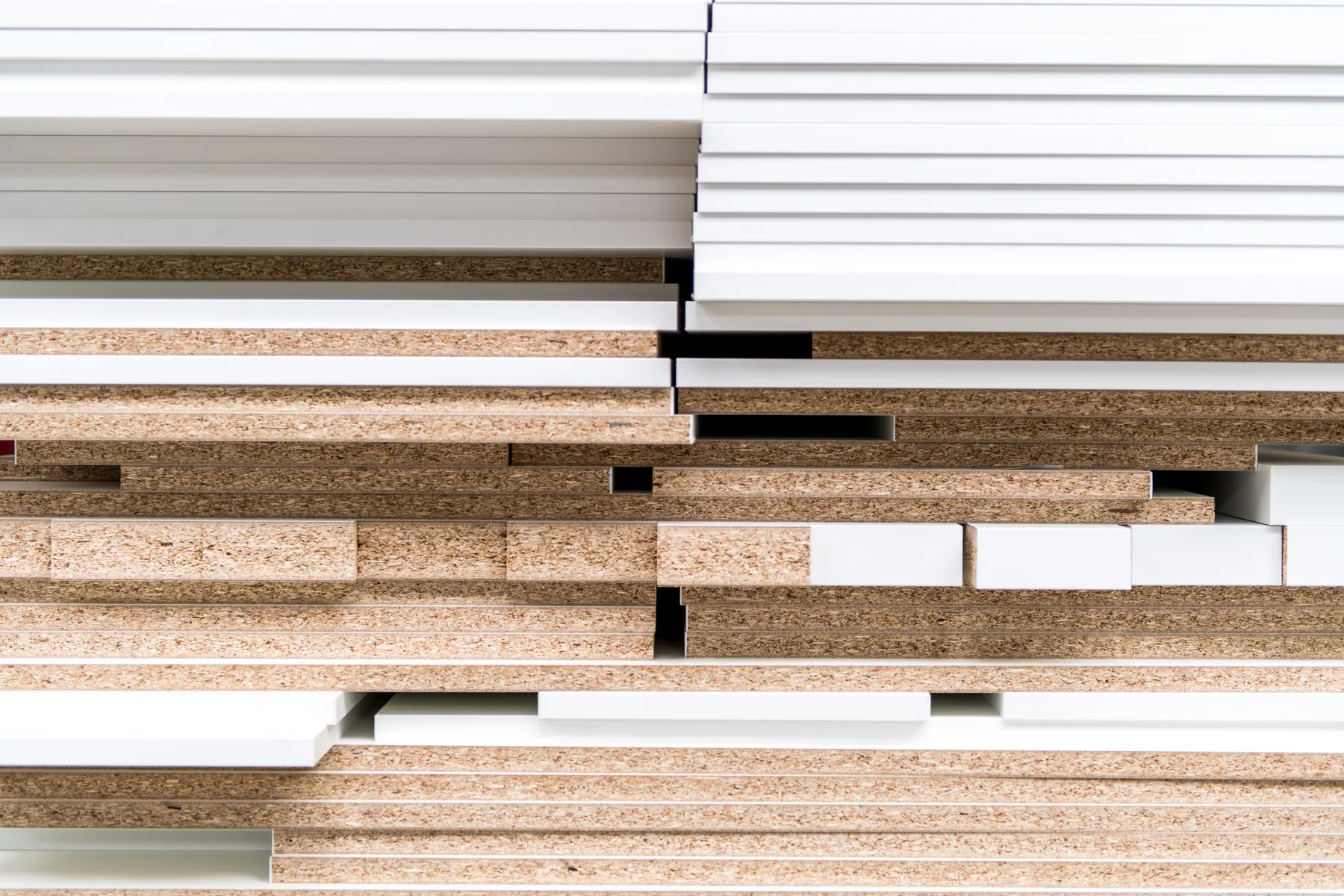
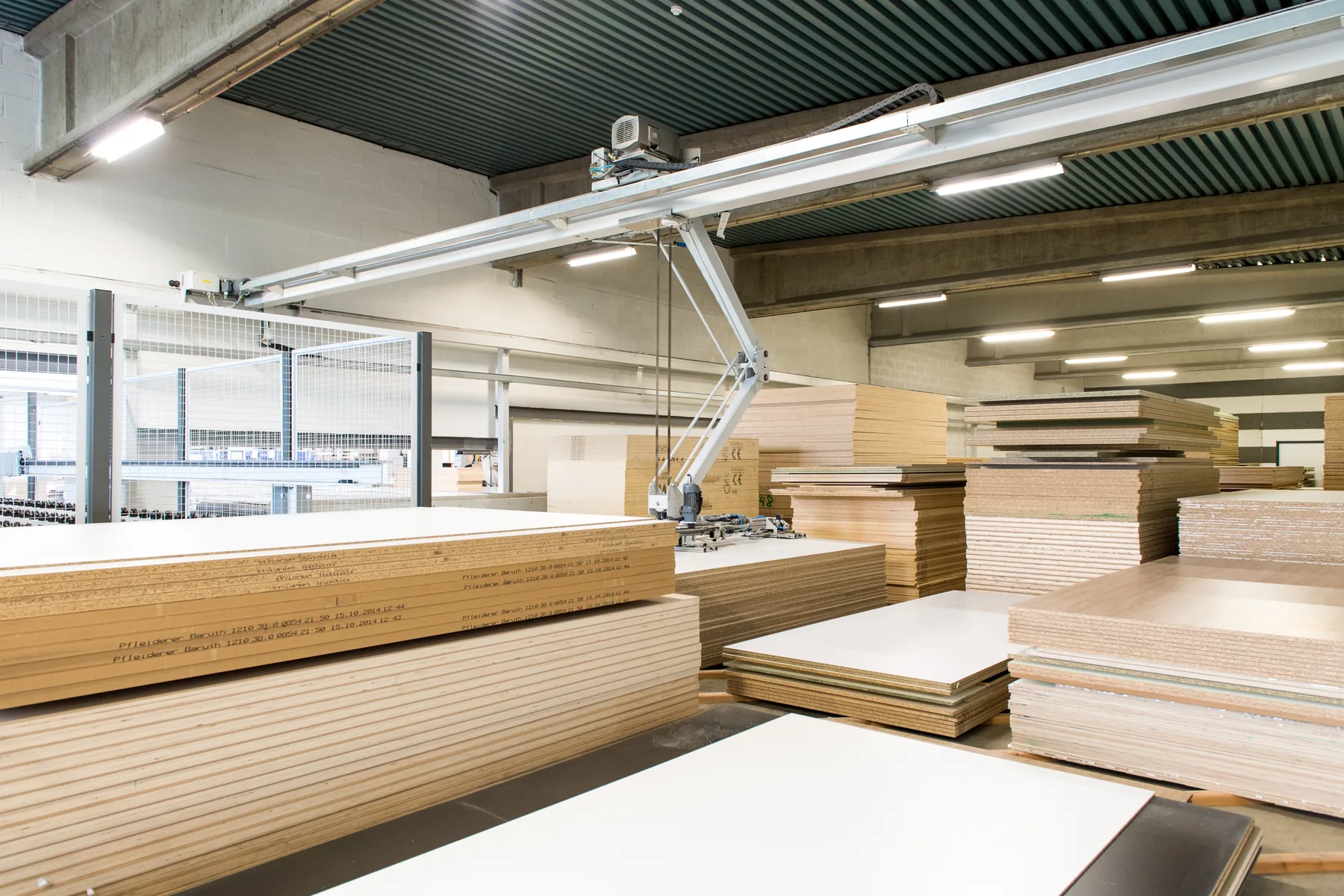
Do you recognise this at the beam saw or nesting machine?
- Parts lists are still copied manually.
- Cutting plans take a lot of preparation time.
- Grain direction or edge-banding requirements are noticed too late.
- Reusable offcuts exist, but no one knows exactly where they are.
- Labels do not always contain the correct information.
- Different materials and orders are mixed up.
- Multiple machines each require a different output.
- The production planner has to keep making adjustments when a panel is unavailable.
AutoFIT brings parts, materials, optimisation and production output together in one controlled workflow.
Better control of panel processing
Less manual layout work
Let the software calculate different layouts instead of arranging every panel manually.
Better use of materials
Account for dimensions, grain direction, materials, cutting settings and available panels or offcuts.
Clear information in the workshop
Create cutting plans, nesting data, labels and reports from the same order information.
Less reliance on individual know-how
Record preferences and working methods so that each optimisation does not have to be rebuilt from scratch.
The actual result depends on the mix of parts, panel sizes, machinery and production rules. That is why AutoFIT is always assessed in the context of your company.
Product videos
See AutoFIT in practice
This official VLECAD video shows a practical optimisation workflow in AutoFIT.
YouTube loads only after you click Play.
onderdelen groeperen in autofit
Visually grouping parts to preserve a continuous grain direction during optimisation.
Watch on YouTubeStart with the parts list that suits your workflow
AutoFIT can receive parts from KORPUS, from an Excel or CSV file, or through direct entry in the software. Together, we determine which columns and data are needed to automate the next step reliably.
Optimisation data can include:
- length and width;
- number;
- material and panel thickness;
- grain direction;
- edges or edge-banding;
- order and part references;
- desired machine or production route;
- additional information for labels and reports.
The better the source data is structured, the fewer corrections are needed later at the beam saw or nesting machine. Implementation therefore covers not only AutoFIT, but also how the parts list is created.
From parts list to a production-ready panel layout
AutoFIT finds a suitable arrangement of parts across the available panels. It can account for production constraints such as grain direction, saw kerf, minimum dimensions, material preferences and the selected machine.
Cutting optimisation
For a beam saw, parts are arranged in a cutting sequence that matches the machine and configured production rules.
Nesting
For a nesting machine, shaped and rectangular parts are positioned on the panel according to the available geometry and configured margins.
Multiple orders or machines
Depending on the chosen workflow, orders can be merged or divided and material can be sent to the most appropriate production route.
The settings are not copied generically. They are tailored to your material, machines and production method.
The panel layout is only the beginning
Labels that go with the part
Give each part the information the workshop needs, such as the order, part name, dimensions, material, edges or a code for downstream processing. Content and layout are tailored to the agreed production workflow.
Reuse offcuts
Register reusable offcuts with their dimensions, material and location. AutoFIT can include known offcuts in a later optimisation so that they do not disappear into a rack as unidentified panels.
Visibility for production planning and manufacturing
Generate cutting plans, nesting information, parts lists and reports from the same order data. This allows material, parts and output to be checked before and during production.
Compatibility at a glance
Connect to established beam saws and panel storage systems
AutoFIT is configured around the machines and material flow already present in your company. VLECAD® analyses the required files, settings and return data, then tests the integration before it goes live.
| Application | Machine type or source | Format or integration | Examples and verification |
|---|---|---|---|
| Part input | KORPUS or a validated parts list | Manual entry, Excel and CSV | Source and column layout are checked during setup |
| Cutting optimisation | Panel saws and cutting systems | Machine output by model, control and version | Examples from the confirmed AutoFIT reference list |
| Nesting | Nesting machines | Output based on geometry, margins and machine constraints | Make and output are confirmed for each project |
| Material flow | Panel storage systems | Files, settings and status feedback for each integration | Examples from the confirmed AutoFIT reference list |
Who can benefit from AutoFIT?
Interior fit-out and custom cabinetmaking companies
When parts from different projects need to be distributed efficiently across panels and labelled clearly.
Companies with a beam saw
When cutting plans, material selection and machine output need to be better aligned.
Companies with a nesting machine
When parts and machining operations need to be placed on panels and sent as production-ready output.
Companies handling large volumes of panels and offcuts
When stock, panel selection and reusable offcuts require greater visibility.
AutoFIT can be configured for both smaller workshops and larger production environments. The right configuration depends on volume, material variety and machinery.

Also for smaller or browser-based optimisation workflows
AutoFIT Mini
AutoFIT Mini is a free entry-level solution for calculating panel optimisations without immediately connecting a complete production environment. It can optimise up to 1,000 parts and print the result, and is also available as an Android app.
AutoFIT Web
AutoFIT Web is for companies that want to provide optimisation through a browser, for example in a sales, ordering or customer workflow. The precise configuration, input and integration are determined for each application.
Discuss AutoFIT WebFrequently Asked Questions about AutoFIT
Do I need KORPUS to use AutoFIT?
No. AutoFIT can receive parts from KORPUS, Excel, CSV or manual input. The selected source and column structure are checked during configuration.
What is the difference between cutting optimisation and nesting?
Cutting optimisation arranges rectangular parts in a feasible cutting sequence. Nesting positions shaped and rectangular parts on a panel according to geometry, margins and machine constraints.
Can AutoFIT reuse offcuts?
Yes. Reusable offcuts can be recorded with their material, dimensions and location, then included in a later optimisation. The exact offcut workflow depends on the panel-storage and production procedures.
Does AutoFIT work with my beam saw or panel storage system?
AutoFIT integrates with many established machines and panel storage systems. We always check the exact manufacturer, model, year, controller, file format and required return data before confirming compatibility.
What is AutoFIT Mini?
AutoFIT Mini is a free entry-level variant that allows you to optimize up to 1,000 parts and print the results. There is also an Android app.
What is AutoFIT Web?
AutoFIT Web enables a browser-based optimisation workflow. The exact application and integrations are defined for each project.
Can I buy or rent AutoFIT?
Yes. AutoFIT is available to buy or rent. The appropriate licence model, implementation and service are specified in a tailored proposal.
Why are no prices shown on the website?
Licences, integrations, installation, training and service are tailored to the required configuration and clearly specified in a quotation.
Curious how much manual work panel optimisation could remove?
Bring a sample parts list and information about your beam saw, nesting machine or panel storage system. During the demo, we show how AutoFIT can be configured for your panel workflow.
Request an AutoFIT demoAsk a technical questionNo commitment and tailored to your materials, volumes and machines.