
KORPUS and AutoFIT for technical and vocational education
Let students work with software that understands the transition to the workshop.
Technical schools offering woodworking or interior fit-out programmes can use KORPUS and AutoFIT free of charge. Educational licences are unlimited and may also be used at home.
Teachers receive a version with NC control, while students receive a version without it. Machine control is included and managed safely through the teacher setup. Training and guidance provide a focused investment in a sound start.
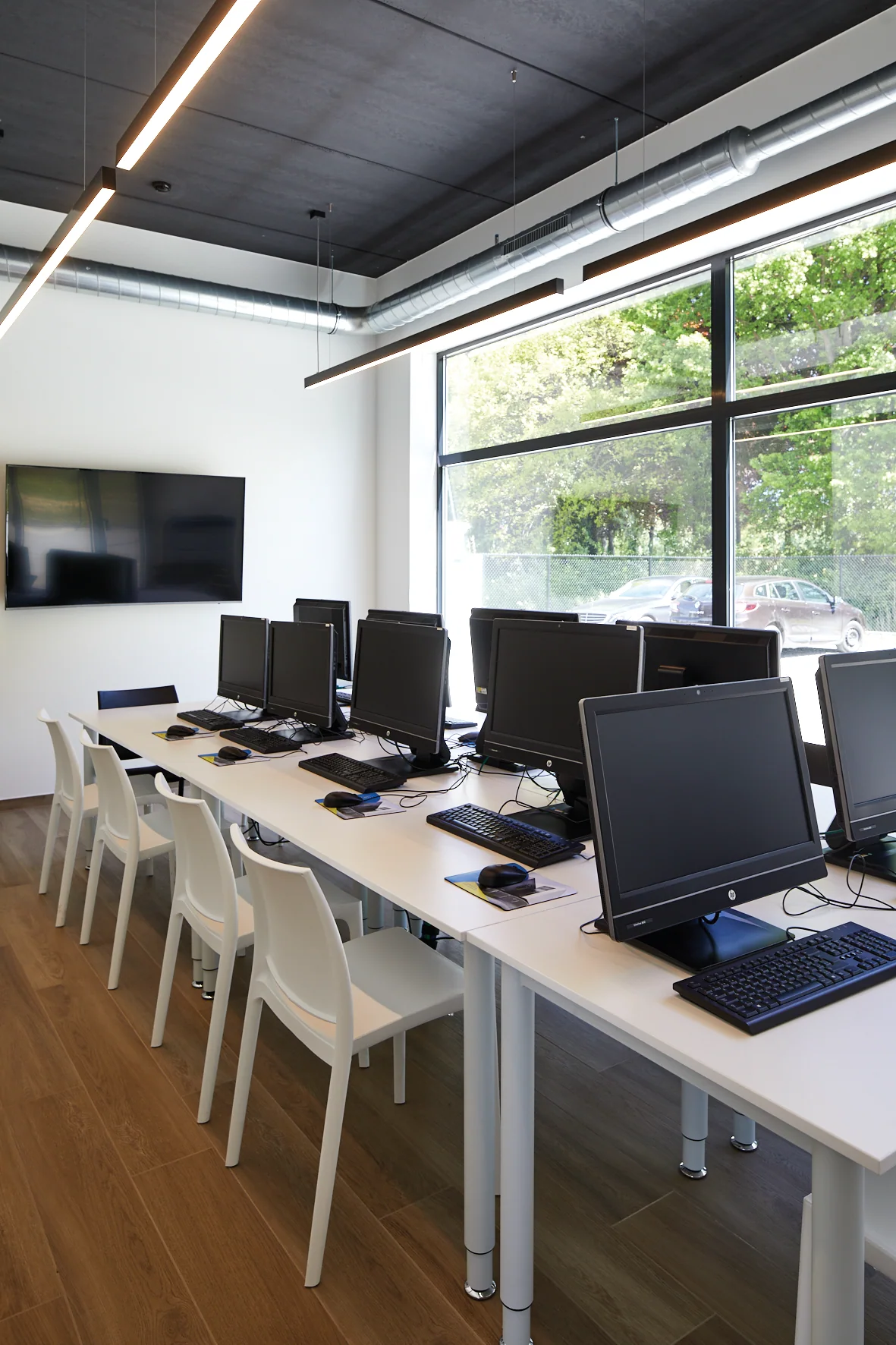
Learning to think from drawing to production
A student who can design a cabinet has a strong foundation. In a modern workshop, they also need to understand the information required for parts, materials, machining operations, optimisation and machinery.
With VLECAD® software, schools can make that entire chain visible:
- technically constructing a design;
- define materials and construction methods;
- understand parts and operations;
- optimise panel materials;
- see how data flows to machines;
- learning to check before production takes place.
This helps the training reflect the day-to-day reality of interior fit-out and custom cabinetmaking companies without losing sight of craftsmanship.
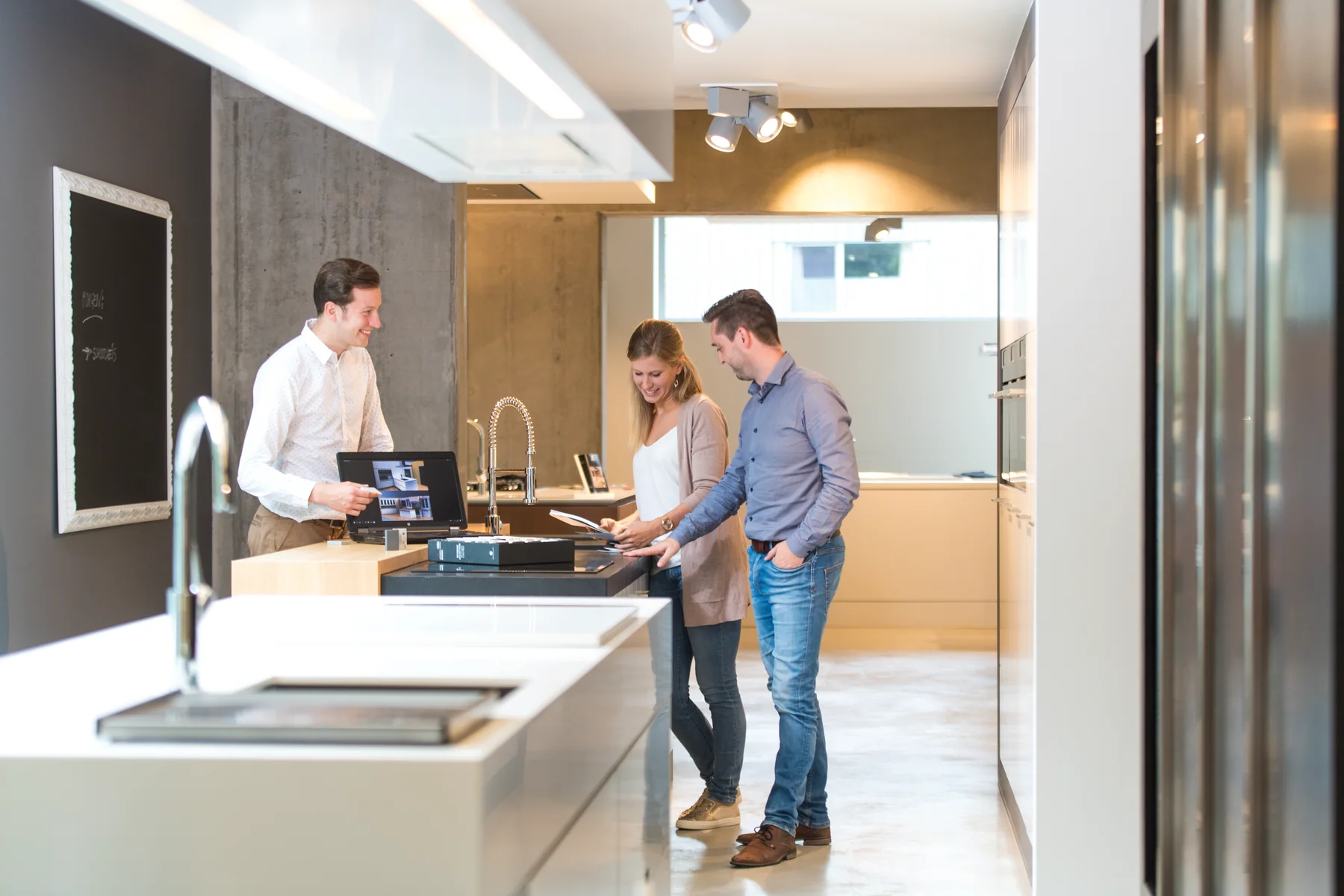
A comprehensive educational offer with clear terms
Free, unlimited educational licences
Schools offering woodworking or interior fit-out programmes can use KORPUS and AutoFIT free of charge for educational purposes. The number of licences is unlimited, and the software may also be used at home for preparation, practice and assignments.
A small investment in training and guidance
The software licences are free, but a successful start requires instruction, configuration and guidance. The school therefore pays for training and, where needed, installation or support. These services are discussed clearly and quoted in advance.
Machine control included
Machine control is included in the school programme. Teachers receive a version with NC control and manage production output. Students receive a version without NC control, so they can design and prepare work safely without independently sending machine files.
This is how we start together
1. Introduction
We discuss the study programme, number of students, available computers and how CAD/CAM is currently used in lessons.
2. Technical inventory
We assess the software environment and, where relevant, the existing machinery. This establishes the required installation and licence structure.
3. Proposal
The proposal clearly separates the free educational licences from paid services.
4. Installation and training
The software is set up as agreed. Teachers are given the necessary foundation to start working with students safely and purposefully.
5. Use and ongoing support
The school uses KORPUS and AutoFIT within the agreed educational conditions. Questions, updates and any further training are followed up through the correct channels.
Separate learning environments, one shared workflow
For teachers — with NC control
Teachers receive a version with NC control. They can prepare exercises, check machine output and use the integration with school machinery under supervision.
For students — without NC control
Students receive a version without NC control. They can build objects and spaces, use materials and construction methods, create print pages and learn production-planning principles without sending machine files themselves.
Practise at home too
Home use is permitted. This allows teachers to prepare lessons and students to complete assignments or further practice the software outside the computer lab.
Educational licences are unlimited. The practical installation, user setup and safe machine workflow are agreed with the school.
Tell us how your programme is structured
The information below helps us assess the right software and training setup.
Let students discover how digital craftsmanship works
Discuss with us how KORPUS and AutoFIT can be used within your field of study and what training the teachers need.
Enquire about the schools programmeAsk a question