
Software for interior fit-out and custom cabinetmaking companies
From design to machine, without doing the same work twice.
VLECAD® connects design, production planning and machinery in one reliable workflow. This reduces manual hand-offs, delivers accurate information to the workshop and leaves more time for skilled work.
Personal guidance • Tailored integrations • Support from people who understand your trade
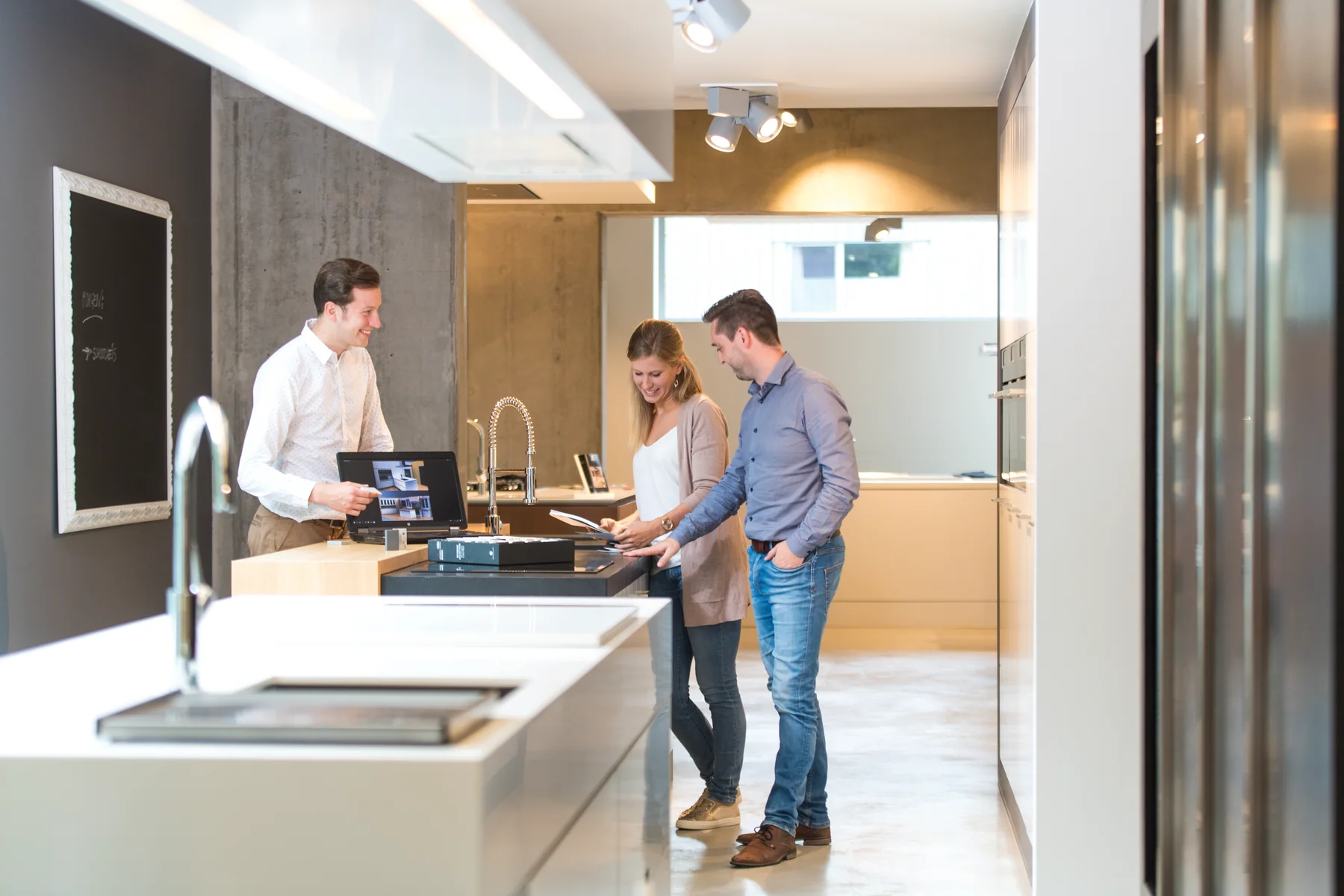
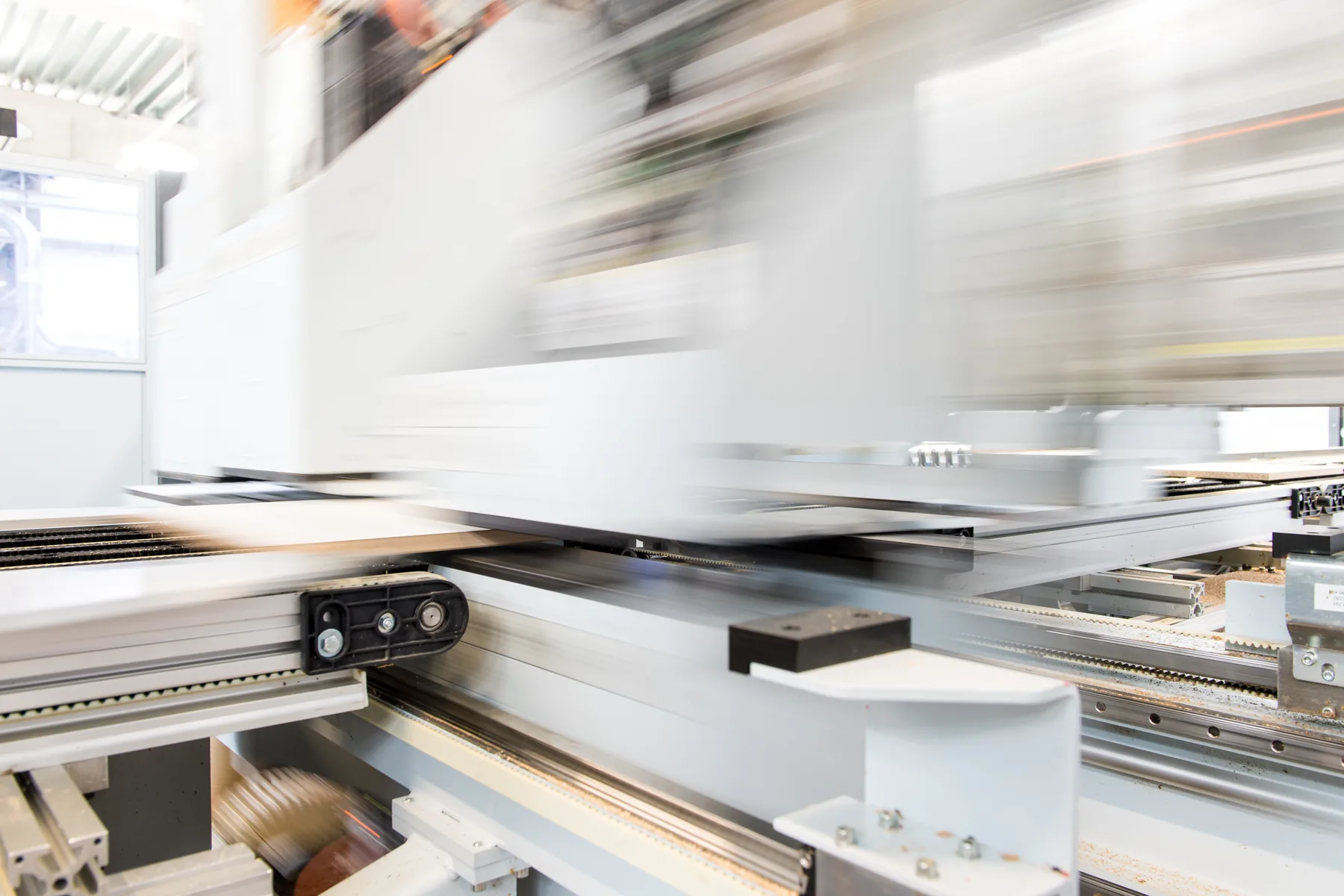
Every manual step is an opportunity for error
A cabinet can be designed perfectly and still be produced incorrectly. Not because craftsmanship is lacking, but because information is copied, changed or interpreted along the way.
Double entry
Dimensions, materials and machining operations are already in the drawing, but are entered again later for parts lists, cutting plans or machines. This takes time and increases the risk of discrepancies.
Manual programming
When machining operations still need to be programmed separately at the machine, essential know-how remains with one employee and scaling up becomes difficult.
Information that is lost
A change from the office reaches the workshop too late, the wrong version reaches the machine, or a detail is passed on verbally and interpreted differently.
Machines that work side by side
A beam saw, CNC machine, nesting machine, panel storage system and edgebander can do a great deal, but only when the right data arrives at the right time.
VLECAD® turns individual steps into one logical workflow.
Software that thinks like a professional
At VLECAD®, we believe technology should not create another barrier. It must fit the way an interior fit-out professional designs, prepares and produces.
Logical in use
You work with familiar construction methods, materials, fittings and machining operations. The software supports the trade instead of reinventing it.
Built for production
A good drawing is only the beginning. Its information must flow accurately into parts lists, optimisation, labels and machines.
Guidance until everything works as intended
We analyse your processes, prepare the integrations, configure and test them, train your employees and remain available for support.
Two solutions, one goal: a smoother production process
KORPUS
From 3D design to correct production data
Design cabinets and interiors parametrically, prepare parts and machining operations, and send the right information to your machinery. KORPUS makes custom work reproducible more quickly without sacrificing technical control.
Discover KORPUSAutoFIT
Get more from your panel materials with fewer manual calculations
Import parts, optimise cutting or nesting plans, create labels, and manage panels and offcuts in line with your production workflow. AutoFIT works with KORPUS and supported parts lists from other sources.
Discover AutoFIT
One workflow from design to workshop
1. Design
Design the bespoke work with the correct materials, construction details, fittings and machining operations.
2. Prepare production
Generate parts, part information and production data from the same design.
3. Optimise
Arrange parts efficiently across panels and prepare cutting, nesting, labels and offcuts.
4. Produce
Send machine files and clear information to the workshop, tailored to your machinery.
A change happens at the source. This way you avoid different lists, files and machines each working with a different version.
Your software must work with your machinery
New machine, existing machine or a combination of manufacturers? VLECAD® assesses how data can flow reliably from design and optimisation into your production environment.
CNC machines
Convert machining operations from production planning into the correct machine format.
Nesting machines
Distribute parts and machining operations efficiently across panels and send production-ready output.
Beam saws
Align cutting plans, part information and labels with the selected cutting workflow.
Panel storage systems
Connect stock, panel selection, orders and offcuts where the installation supports it.
Edgebanders
Carry accurate edge-banding information through the production workflow and integration.
Cabinet configurators
Allow data to flow from a configurator via a REST API, so that the same information does not have to be entered manually again.
More than just software
Consultancy
Where are you losing time, material or visibility today? We map your production planning, manufacturing, scheduling and organisation, then turn bottlenecks into clear priorities.
Explore consultancyVlecon
Automated production needs a stable network, secure storage and reliable backups. Vlecon understands the specific IT needs of woodworking companies and CNC-controlled machinery.
Discover VleconTraining courses
A successful implementation depends on employees who understand what they are doing. Start with a four-day foundation course and continue with focused one-day specialist courses.
View the coursesProven in practice
Skilled companies that reorganised their production
No two interior fit-out companies work in exactly the same way. Our customer stories therefore show not only which software was selected, but also which problem had to be solved, how the machinery integration was approached and what changed in day-to-day operations.
These companies chose VLECAD
This selection of customer logos was also published on the previous VLECAD website.



In our customers’ words
Read the customer storyThe software stands out for its ease of use. The training sessions were to the point and delivered by committed trainers who know what they are talking about.
Read the customer storyThis saves an enormous amount of time. It also lets you see very clearly what you are drawing.
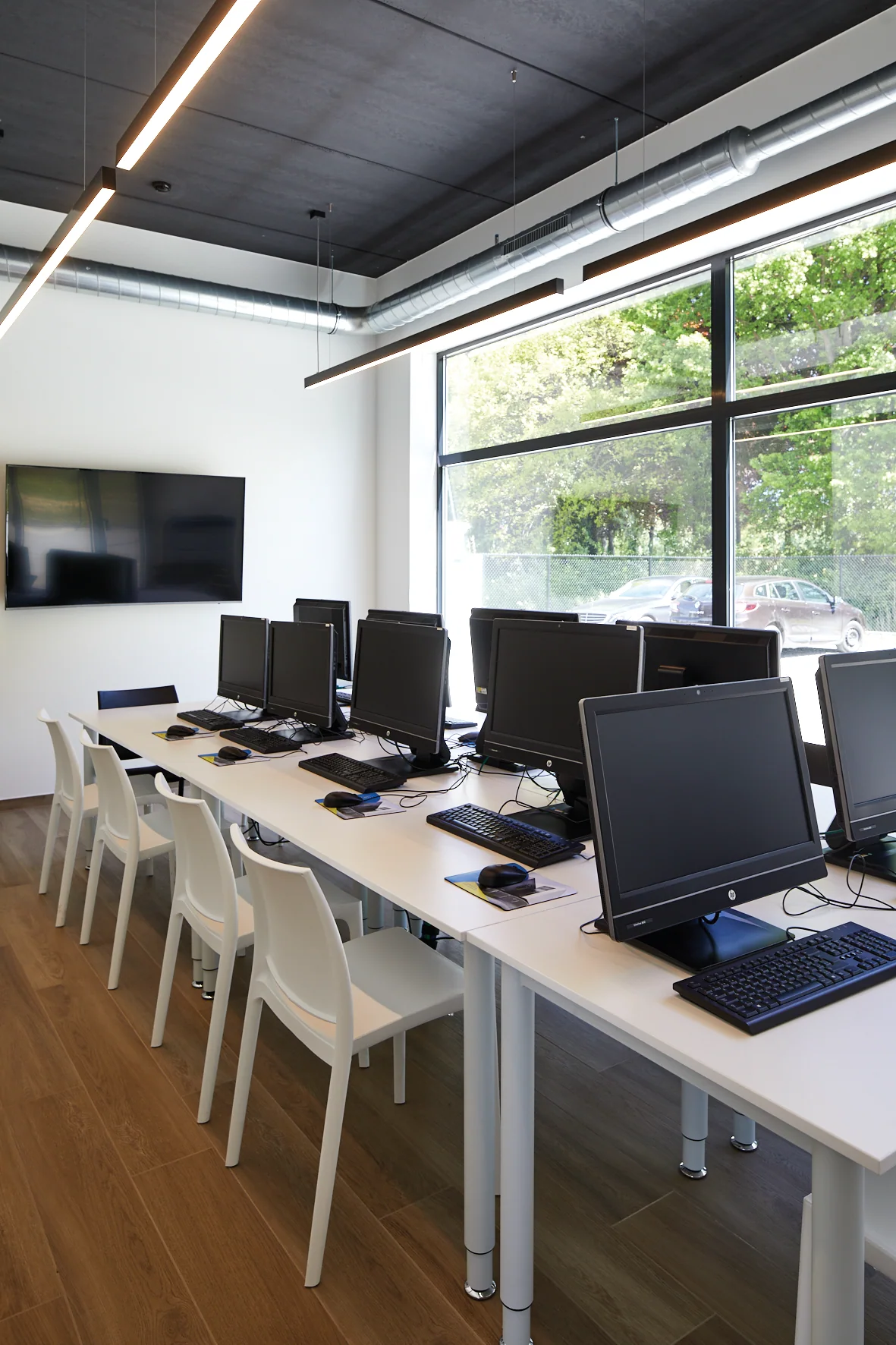
How many steps in your process are still done twice?
During a personal demo, we review your current workflow from drawing to machine. Instead of a generic sales pitch, you receive a practical explanation of what KORPUS and AutoFIT can connect or automate in your company.
Request a demoAsk your questionNo commitment. Practical. Tailored to your software, people and machinery.